
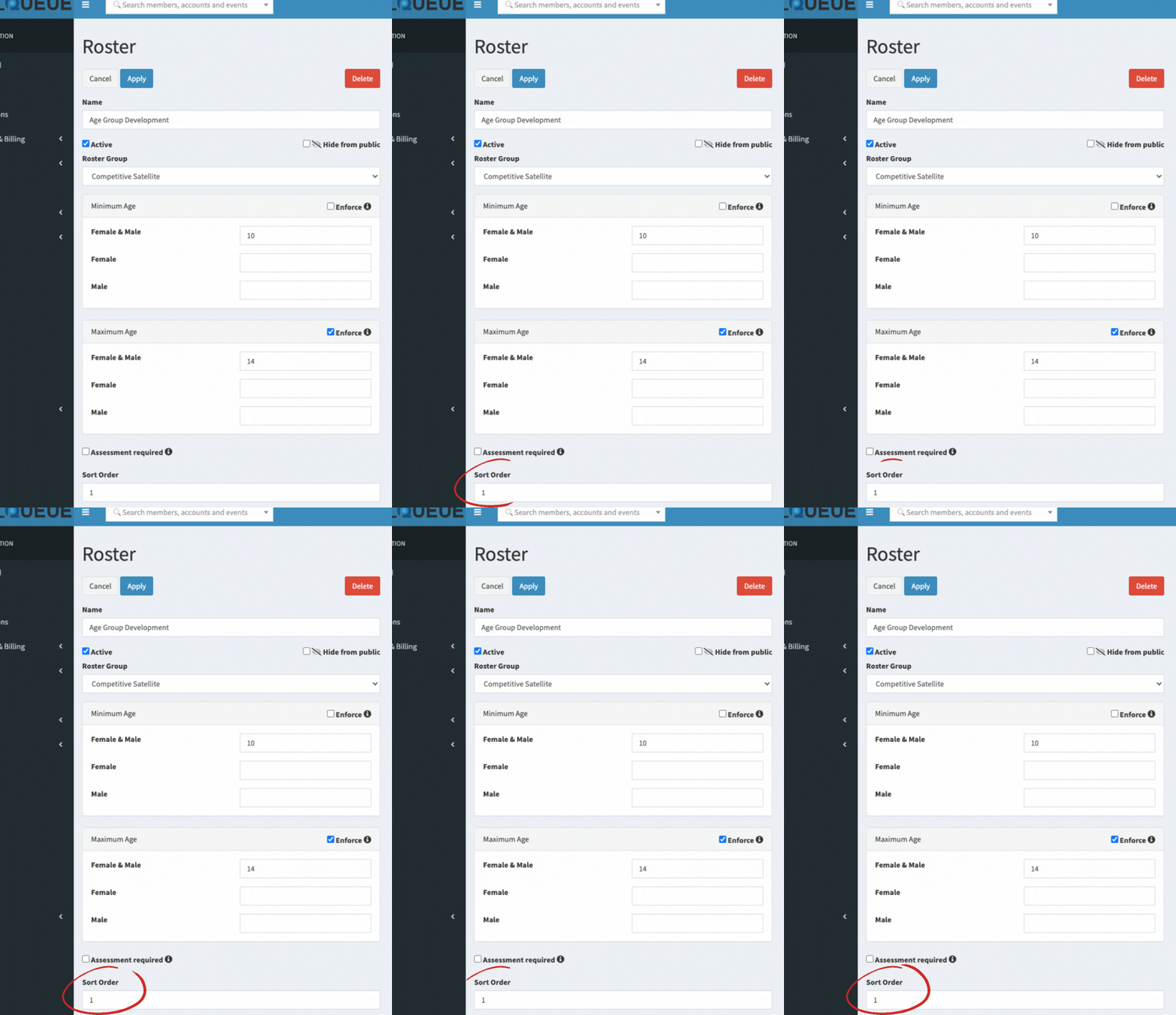
Rosters are presented on the screen (in the Administration interface, and public facing website) by their [Order] property.
To change this, go to Setup / Roster, edit each roster, and apply a numeric value that represents the order you are trying to achieve.
Comments
0 comments
Please sign in to leave a comment.